Custom Game Boys: IPS screens, new shells and better batteries
A practical guide to modding a Game Boy with a modern screen, a fresh shell, new buttons and a rechargeable battery.
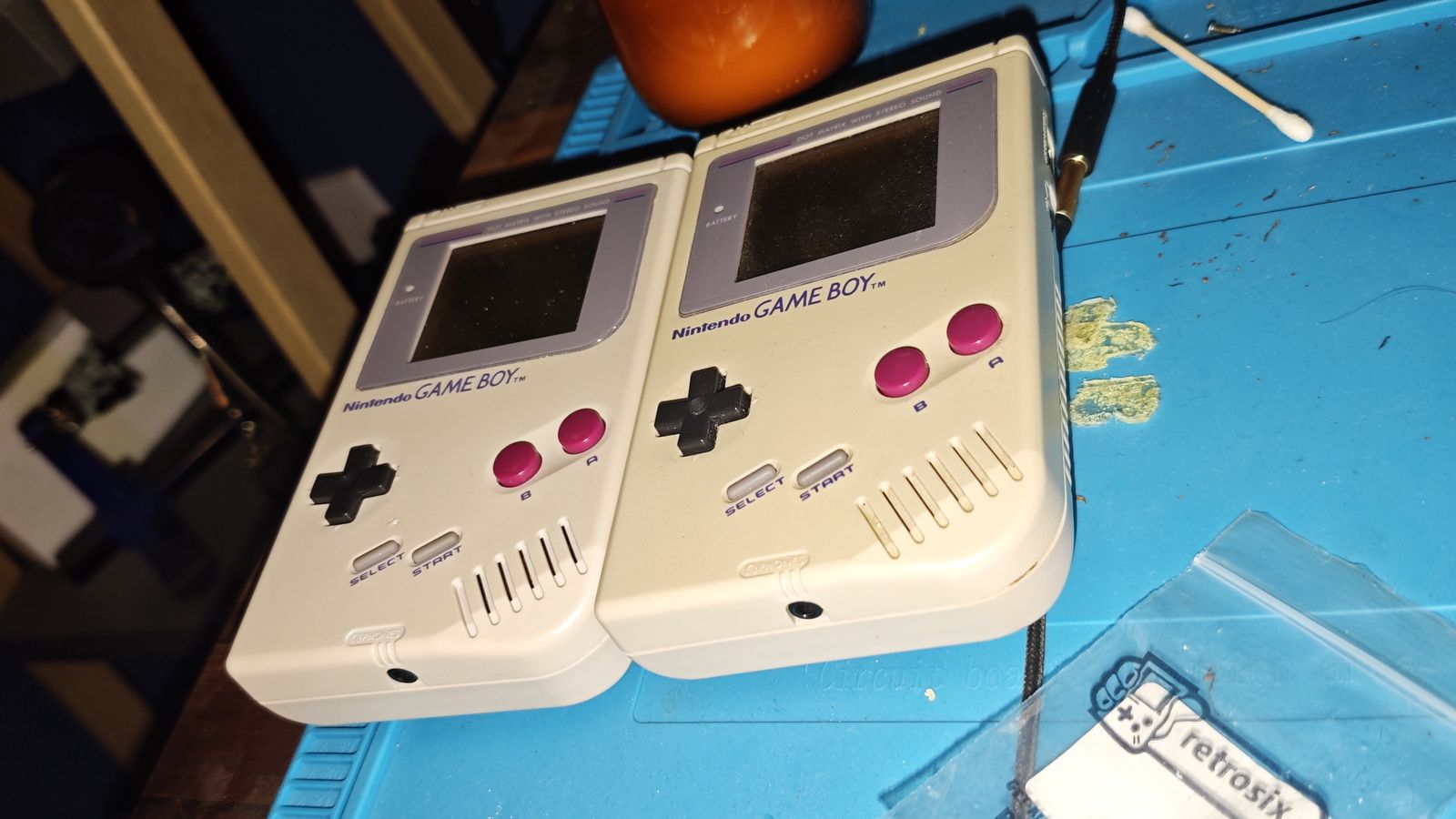
An original Game Boy is a brilliant piece of hardware with one big problem: you can’t see the screen. No backlight, slow pixels and, on most second-hand units, a yellowed shell and squishy buttons.
The good news is that almost every part of it can be swapped for something better, and you don’t need much more than a screwdriver and a soldering iron. This is what I’ve learned about putting one together.
My builds
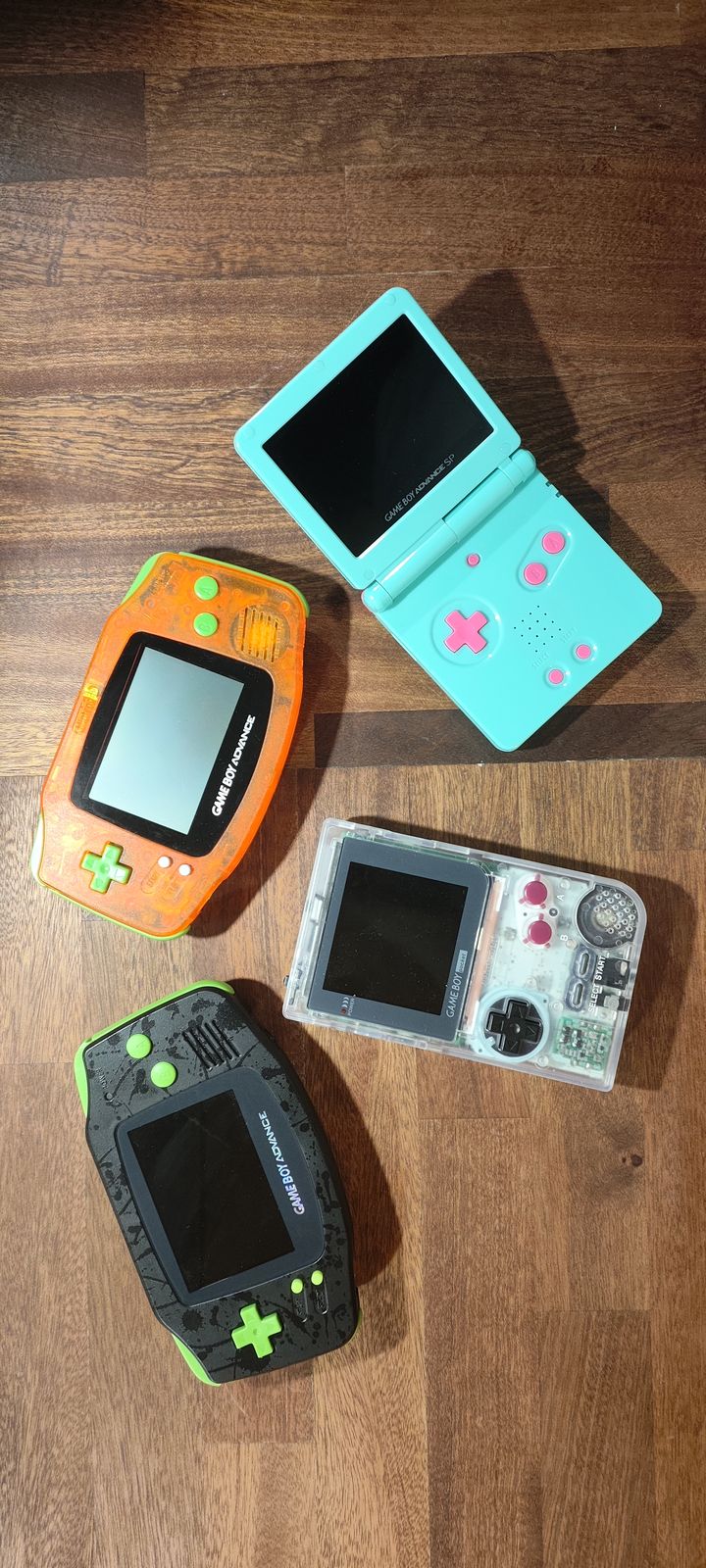
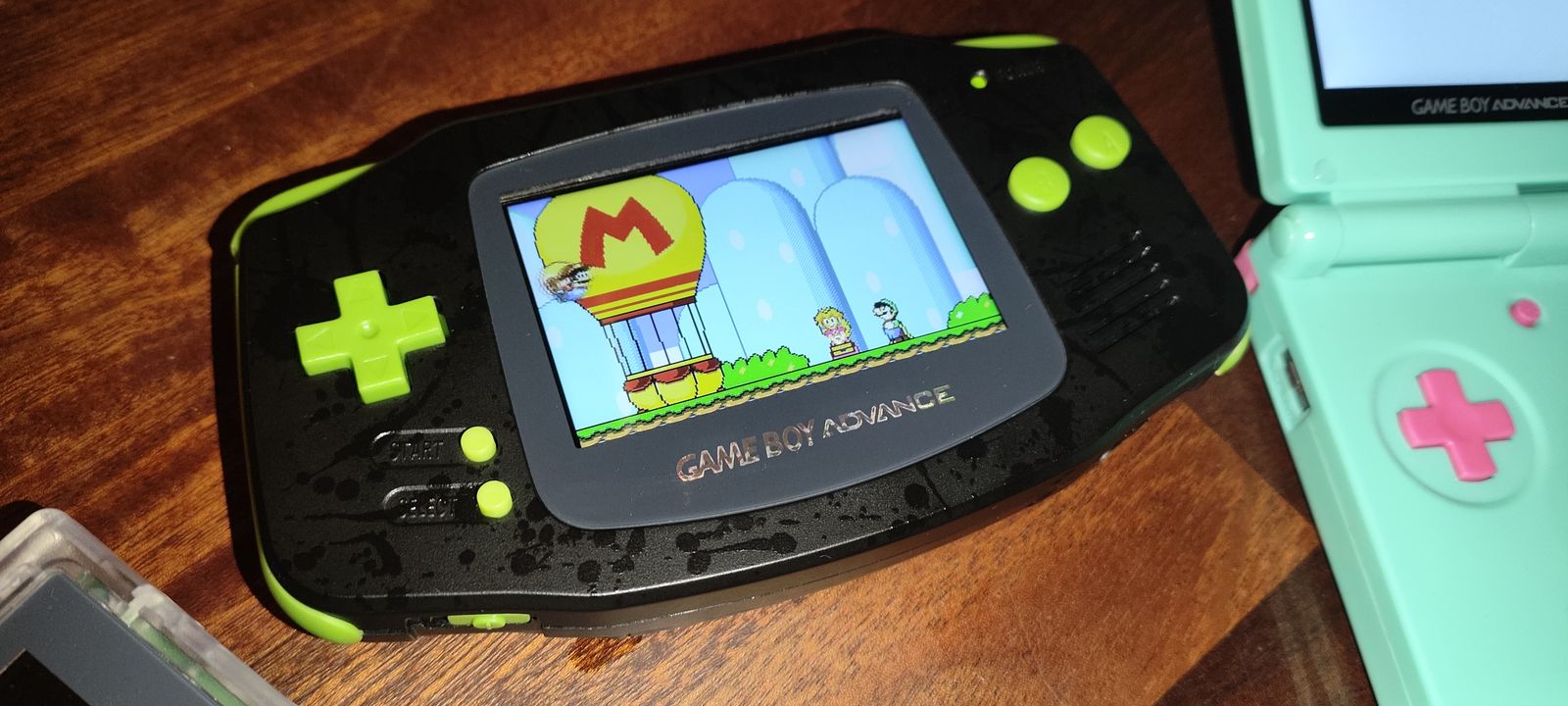
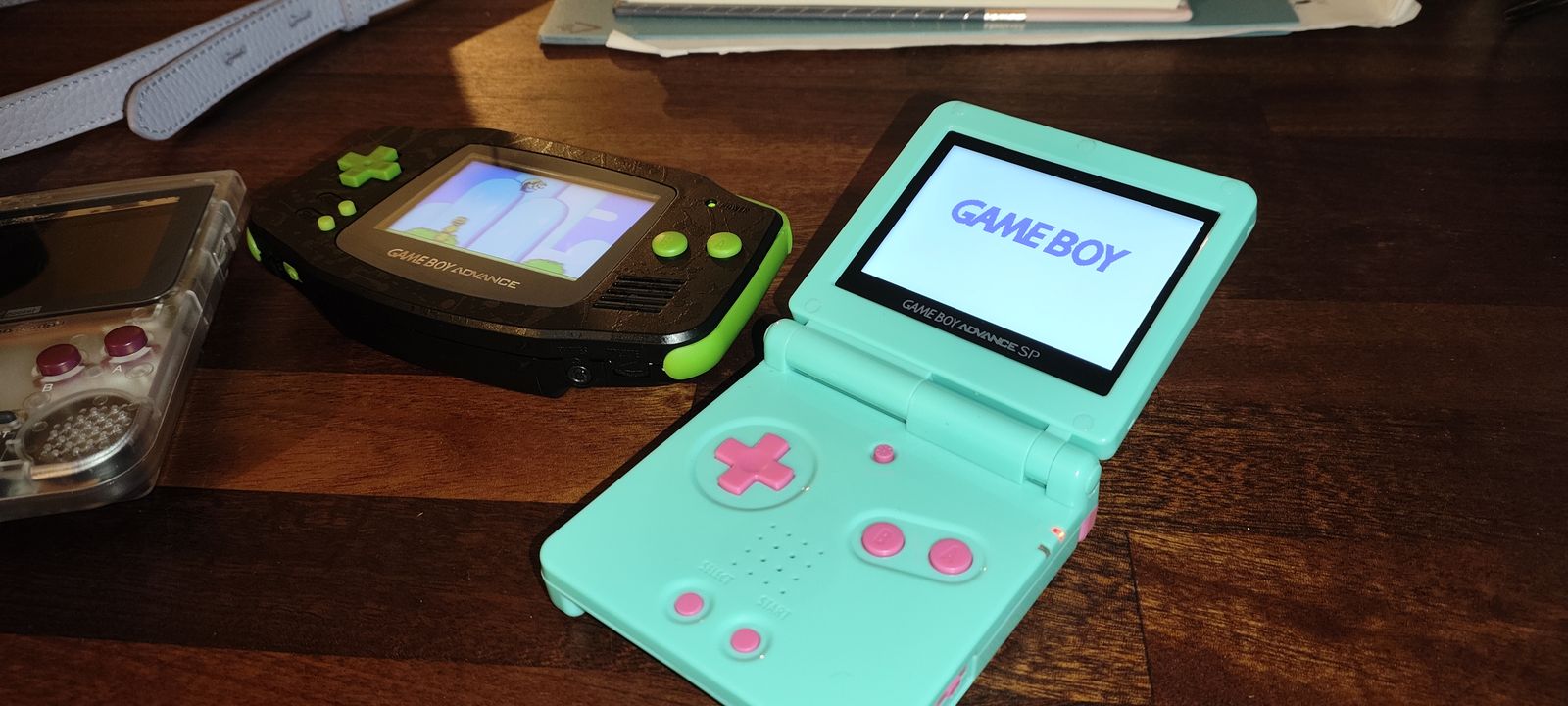
So far that’s two Game Boy Advances (one orange translucent with green buttons, one black splatter with lime), a mint SP with pink buttons and a clear Game Boy Pocket. Every one of them got the same three upgrades: an IPS screen, a new shell and a new battery.
The hardest part by far was the SP. Its hinge is a pain: getting it back together in a new shell took more patience than everything else put together. If you’re doing your first build, do a GBA before you tackle an SP.
Pick your console
The same ideas apply across the family, but the kits differ:
- Game Boy (DMG). The classic brick. Lots of room inside, so it’s the easiest to work on and the most fun to customise.
- Game Boy Color. Smaller, runs on two AAs, and has some of the best drop-in screen kits around.
- Game Boy Advance. The most popular to mod. Watch out for the motherboard version: some have a 32-pin screen connector and some have 40-pin, and your kit needs to match (or include an adapter).
- Game Boy Advance SP. Already has a front-light or backlight and a built-in battery, so it’s a smaller upgrade, but an IPS screen still makes a big difference.
The IPS screen
This is the upgrade that changes everything. An IPS kit replaces the original LCD with a modern backlit panel: sharp, bright, with good viewing angles and no ghosting.
Things to look for:
- Laminated or not. A laminated kit has the screen bonded to the lens, so there’s no gap for dust and the image looks like it’s sitting on the glass. It costs a bit more and is worth it.
- Brightness control. Most kits let you change brightness, either with a touch pad you wire to the shell or with a button combination.
- Retro modes. Many kits include pixel grid or scanline modes and colour palettes, so a DMG can still look like a DMG if you want it to.
- Soldering. Some kits are true drop-ins. Others need a wire or two soldered on for brightness or touch control. Check before you buy.
Larger screens often won’t fit an original shell without cutting plastic inside, which is a good reason to replace the shell anyway.
A new shell
Aftermarket shells come in every colour and finish: clear, glow-in-the-dark, metallic, and copies of limited editions. Quality varies a lot, so read reviews before buying.
- Buy “IPS ready”. These shells are pre-cut on the inside to fit the bigger screens, so there’s no trimming with a craft knife.
- Check the lens. A glass lens scratches far less than plastic and makes the screen look better. Make sure it’s sized for your screen kit.
- Expect a little fitting. Cheaper shells sometimes need screw holes or battery doors eased before everything closes nicely.
Buttons and membranes
Old buttons feel mushy because the silicone membranes under them have worn out. New membranes and buttons are cheap and make the console feel new again.
- Replace the silicone pads whatever else you do.
- Coloured buttons are a nice way to tie a build together.
- Clean the contacts on the board with isopropyl alcohol while it’s open.
Power and batteries
Running on AAs works, but rechargeable batteries are much nicer to live with.
- USB-C battery kits are available for the DMG, GBC and GBA. They usually fit in the battery compartment with a small charging board, and some include a charge indicator.
- The SP already has a battery, but a fresh one is worth fitting on an old unit.
- Brighter screens draw more power, so expect shorter battery life than the original at full brightness.
Tools you’ll need
- A tri-wing screwdriver for the shell screws, plus a small Phillips.
- A soldering iron, fine solder and some flux for any wiring.
- Isopropyl alcohol and cotton buds for cleaning.
- Kapton tape for insulating and holding ribbon cables in place.
- Patience, and a tray for the screws.
What I’d tell someone starting out
- Start with a GBA or GBC. The kits are mature and the guides are good.
- Buy the screen and shell together, from sellers who say they fit each other.
- Test before you close it up. Power on with the screen connected before screwing the shell together.
- Go slowly with ribbon cables. They’re the easiest thing to break and the hardest to replace.
- Leave the SP hinge till last. Take photos as it comes apart, and don’t force it going back together.
It’s a satisfying project: a few hours of work and you end up with a console that’s nicer to play than it was new.
Further reading
- iFixit Game Boy guides: step-by-step teardowns with photos.
- RetroSix: UK shop for shells, screen kits, batteries and buttons.
- FunnyPlaying: makers of many of the IPS and laminated screen kits.
- Hand Held Legend: parts, kits and modding guides.